Is AI Going to Replace 3D Artists in 2026?
There’s a lot of talk these days about AI replacing everyone and taking jobs across the board. It will write texts, create designs, produce ads, and code—leaving humans out of the equation altogether. Similar “AI can replace 3D artists” conversations keep surfacing in the archviz world as well.
At Omegarender, however, we’ve long stopped seeing AI as a competitor. Our perspective is fairly simple: an AI-generated image is like a product coming off an assembly line—fast, accessible, but designed for an average, standardized result. A 3D artist’s render, on the other hand, is something crafted by hand—precise, intentional, full of character, and built to last rather than to deliver a quick impression.
At the same time, we recognize—and actively demonstrate—that AI is an essential tool in a 3D artist’s workflow. Even though the term “artificial intelligence” is starting to feel a bit overused (and its aggressive integration into every product has already become meme material), it still represents a future that can’t be ignored. We see that future as one of many tools in a 3D artist’s toolkit.
In this article, we’ll take a closer look at how AI technologies are integrated into the pipelines of 3D artists and visualization studios; how they help optimize time and compress production timelines while keeping the final render a human-made product; which tasks are best suited for AI-generated imagery; and why 3D rendering remains more reliable and sustainable than AI-generated visuals.
How AI Is Currently Used in 3D
Modern CG pipelines already incorporate AI tools—but not as independent creators. Instead, they function as accelerators that streamline and optimize workflows.
Artificial Intelligence is now embedded in all the software used by Omegarender, including Autodesk 3ds Max, Corona Renderer, and Adobe Photoshop:
- 3ds Max: The Flow Retopology tool saves hours of manual work by fixing geometry after scanning or sculpting, preparing models for animation and texturing.
- Corona Renderer: The AI Image Enhancer improves the detail of specific elements—people, vegetation, terrain—without altering the core architectural structure.
- Photoshop: A range of AI tools has transformed render post-production. For example, the Remove Tool quickly cleans up unwanted artifacts.
Even beyond these tools, the trend is consistent: developers aim to simplify repetitive tasks by using AI-driven features. At the same time, standalone AI plugins and applications are emerging, capable of achieving similar results with fewer “monkey work” steps.
Let’s break down how AI supports 3D artists across different stages: modeling, texturing, rendering, and even animation.
AI in 3D Modeling
Today, AI-assisted modeling tools and plugins can take a complex—or poorly structured—3D model with chaotic topology and:
- simplify its geometry for easier handling,
- fix errors (such as distorted or misaligned parts),
- generate a base model or scene within minutes.
In short, AI takes over the rough work—the kind that is time-consuming, repetitive, and, frankly, quite tedious.
For example Autodesks cloud-based application Fusion 360 can generate 3D models from 2D drawings. The Artificial Intelligence interprets the design and completes elements and helps engineers avoid repetitive manual tasks.
AI in Texturing and Materials
AI solutions are widely used in material workflows:
- texture generation,
- automatic shader assignment,
- resolution enhancement,
- style transfer.
One of the most advanced tools today is tyDiffusion, a plugin that fully integrates Stable Diffusion into 3ds Max. It can generate textures and materials from text prompts (text-to-image) or from references (image-to-image), while accounting for object geometry.
Corona Renderer offers a similar feature—the AI Material Generator—that creates realistic materials from a single photo. You upload an image of a surface, and the system analyzes its structure—color, depth, reflectivity—and automatically builds all the required maps.
The key difference is this: tyDiffusion essentially generates a 2D texture and “bakes” it onto an object in the final image, while AI Material Generator converts a photo into a fully functional, multi-layered material ready for rendering.
AI in 3D Rendering and Visualization
Tools like NVIDIA OptiX or Intel Open Image Denoise analyze a “raw” render, predict how the final clean image should look, and remove noise. This significantly reduces the number of render passes required.
Upscaling tools (such as Magnific or Topaz Gigapixel) work differently. An artist first renders a lower-resolution image, then AI increases its size and reconstructs missing details to avoid blur. As a result, AI enhances detail while speeding up production.
There is also a tool called Alpharender that enables object replacement within a scene, while also integrating people in a way that allows them to adapt naturally to the environment—rather than appearing like flat 2D PNG cutouts.
AI in Animation and Motion
AI tools are already capable of generating simple animations. For example, Runway can turn a static image into a convincing motion sequence—like a slow camera push through a living room, with curtains gently moving, or a time-lapse of clouds over a residential building.
In Autodesk Maya, new tools automate complex technical processes: some handle large-scale crowd simulations, while others significantly speed up rigging and character animation workflows. This reduces technical overhead and allows artists to focus on creative decisions.
That said, key elements like meaning, rhythm, and storytelling remain firmly in human hands.
Work with artists who combine creative direction and technology to bring your vision to life.
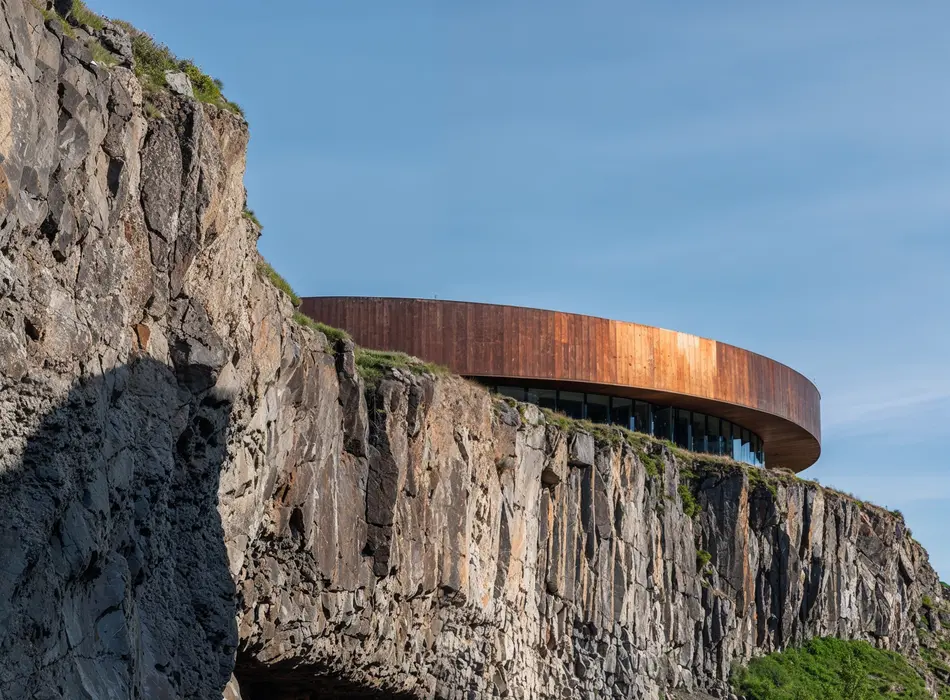
What AI Can Replace In 3D Production Pipelines (And Where Creative Directors Still Lead)
In architectural visualization studios, the question isn’t whether AI will replace the pipeline—but how it can help scale, accelerate, and improve it.Let’s take an objective look at where AI excels—and where it still falls short.
Tasks AI Can Automate Reliably
As mentioned earlier, AI is highly effective at automating low-level, repetitive operations, reducing workload, and minimizing burnout. These include:
- denoising and noise reduction,
- high-quality upscaling,
- generating background variations,
- tagging and metadata,
- draft material generation,
- LOD and mesh optimization,
- basic animation, and motion capture.
By reducing routine tasks, AI can significantly boost productivity. According to an a16z survey, creative teams report double-digit efficiency gains, with 39% of game developers seeing productivity increases of over 20%.
Tasks AI Still Fails At
Despite these capabilities, AI struggles in areas that require human judgment and contextual comprehension:
- Art direction, creativity, and composition. Camera angles, framing, lighting, and color grading rely on intuition and experience. Studies (including research from Temple University) show that human visual perception—even in children—outperforms modern AI systems. AI can refine an image, but it doesn’t convey narrative or aesthetics.
- Brand integrity and client requirements. Artificial Intelligence can generate appealing images, but it does not understand brand guidelines or marketing strategy. It also cannot reliably comply with local regulations, building codes, or licensing constraints—critical in architectural visualization.
- Emotion and storytelling. Meaning, atmosphere, and narrative are human domains. Characters, dialogue, and unique dramatic choices originate in the minds of artists and directors.
- Accuracy at scale. AI automation increases the risk of errors across large outputs. A single flaw can propagate across hundreds of frames. AI-generated content also tends to be overly uniform, gravitating toward averaged patterns from training data, presenting risks for brand uniqueness.
In practice, Artificial Intelligence complements the process. It does not replace it.
Go beyond AI-generated images and create visuals that deliver accuracy, flexibility, and long-term value.
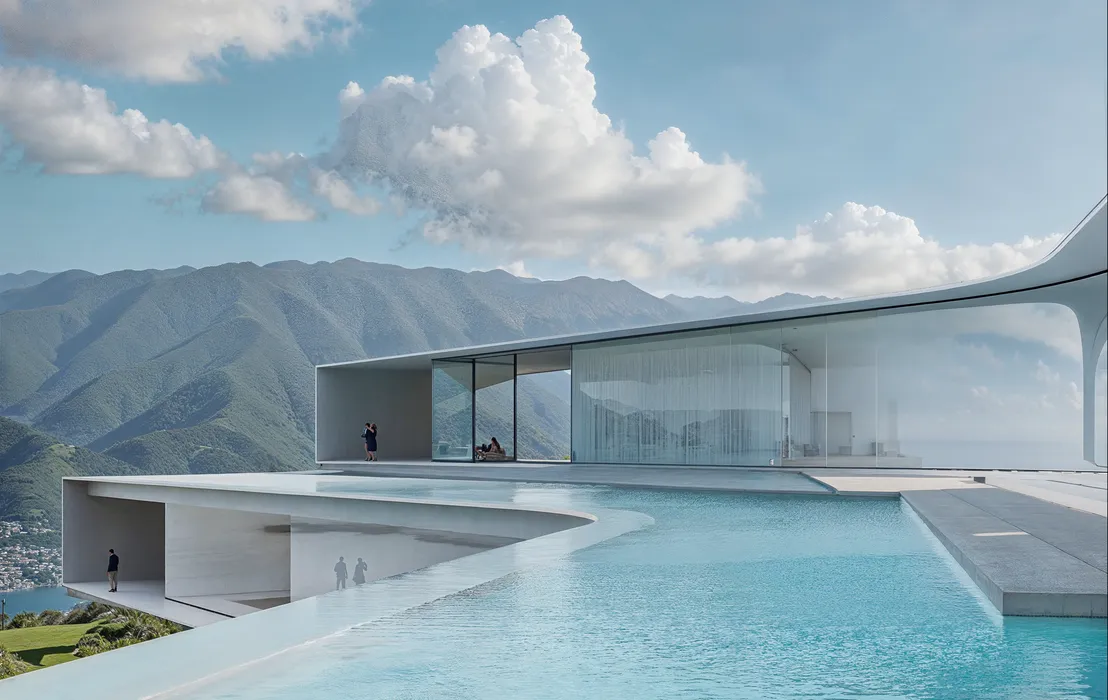
Why 3D Artists Are Strategic Operators, Not Just Image Makers
A 3D artist—especially an art director—is both a technical expert and a decision-maker responsible for quality and risk management.
The Role of Artistic Judgment
Human artistic judgment goes far beyond technical execution. Artists evaluate composition, contrast, color balance, and expression—elements that are difficult to formalize.
Their work is grounded in perception psychology and design principles. Research from Temple University shows that a child's visual system can outperform Artificial Intelligence in recognizing and interpreting images. This gives humans the ability to generalize, contextualize, and shift attention. Something Artificial Intelligence still lacks.
An experienced artist can immediately detect and fix visual dissonance: a shadow that feels too heavy, a reflection that looks unnatural. They decide what to emphasize, what to soften, and how to guide the viewer’s emotional response through lighting, framing, and visual rhythm.
Understanding Brand, Client, and Regulatory Constraints
Every project operates within a specific framework: brand identity, messaging, and market requirements.
Humans can interpret a brand book, understand client expectations, and adapt visuals to business goals. AI, by contrast, operates only on available data—it doesn’t distinguish between what is mandatory, optional, or inappropriate.
Creative directors and teams take responsibility for these decisions. In large-scale production, even a minor mistake can damage a brand or lead to compliance issues.
Iteration, Feedback, and Responsibility
More and more of our clients—from architecture, design, and development—face the same recurring issue.
The scenario is familiar: they start with a lower-cost visualization studio and receive results that seem acceptable at first glance. Only later do the limitations become clear.
When they need to adjust camera angles, lighting, or geometry, it turns out to be impossible. The image was generated with AI—without a full 3D scene and without flexible control over parameters.
As a result, any changes introduce artifacts or inaccuracies, or require rebuilding the image from scratch. By the time clients come to us they have already spent part of their budget on work.
This is why traditional 3D visualization remains a reliable long-term solution. You can return to a project years later and still adjust, refine, or expand it without starting over.
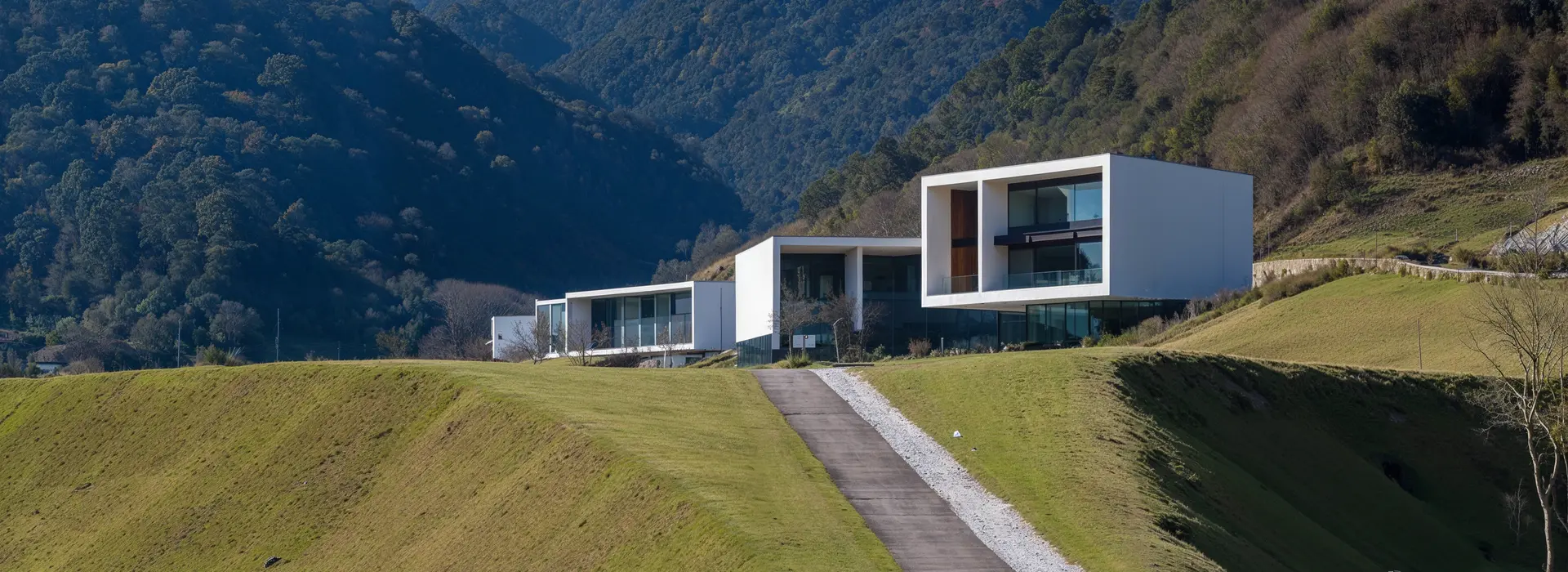
So, Will AI Replace 3D Artists in 2026?
The short answer is no. AI will not replace artists in 2026.
The longer answer is a bit more complicated. People often say that AI will take 3D artist jobs. What's really happening is that their roles are changing. That is not what is happening. Technology is changing the work that 3D artists do not getting rid of their jobs.Yes, some parts of 3D modeling and making things are being done by machines now, which makes people think that 3D modeling will be done by intelligence or that artificial intelligence will take the place of people who make 3D models. But machines are not doing everything. They are just changing what people focus on. Now people have to use their skills to do complicated things.
What is important now is using intelligence to get good results by solving problems and being in charge of 3D things. Things made by intelligence still need people to be creative, especially when it comes to making things look consistent and making decisions for a brand. Recently, people who know about the industry said that the need for designers is changing, not going away. So the big change is not that 3D artists will be replaced by intelligence but that the 3D artists who learn to work with artificial intelligence will be the ones who decide what the future of the industry looks like.
Turn your ideas into precise, fully controllable 3D visuals—built to evolve with your project.
Read also. Before 3D artists will be replaced by AI:
.webp)



FAQ
Will AI replace 3D artist in 2026?
No. AI will not replace 3D artists in 2026. While AI tools can automate certain tasks and speed up production, they cannot replace human creativity, decision-making, and responsibility for final results.
Which 3D artist tasks can AI automate?
AI can reliably automate repetitive and technical tasks such as: - mesh optimization and cleanup, - generating draft materials and textures, - denoising and upscaling, - basic animation and motion, - organizing and tagging assets. These improvements increase efficiency but do not eliminate the need for artists.
What parts of 3D work still require human artists?
Core areas that still depend on humans include:
- art direction and composition,
- creative problem solving,
- working with client feedback,
- ensuring brand consistency,
- building meaningful and emotionally engaging visuals.
These require judgment, experience, and creativity that AI lacks.
Can AI fully replace 3D artists in architectural visualisation?
No. AI-generated images may work for quick concepts.. They lack flexibility and accuracy. Architectural visualization requires scenes and precise geometry. Only human-created 3D workflows can guarantee these things.